
Appearance
Needle lets you choose a theme and an accent colour. Both are persisted between sessions.
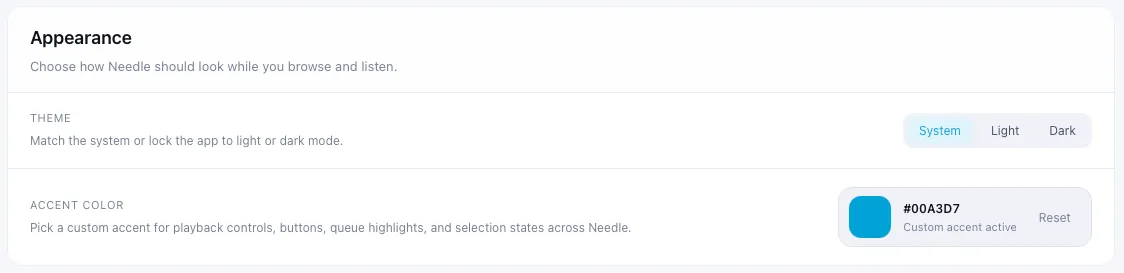
Three themes are available: System, Light, and Dark. System follows your macOS appearance setting automatically.
To change the theme, go to Settings → Appearance and select your preferred option.
Accent colour
Section titled “Accent colour”The accent colour is applied across the entire interface — playback controls, queue highlights, buttons, and selection states all update to match.
To change it:
- Go to Settings → Appearance
- Click the colour swatch next to Accent colour
- Choose a colour from the picker
The interface updates immediately — no restart needed.